
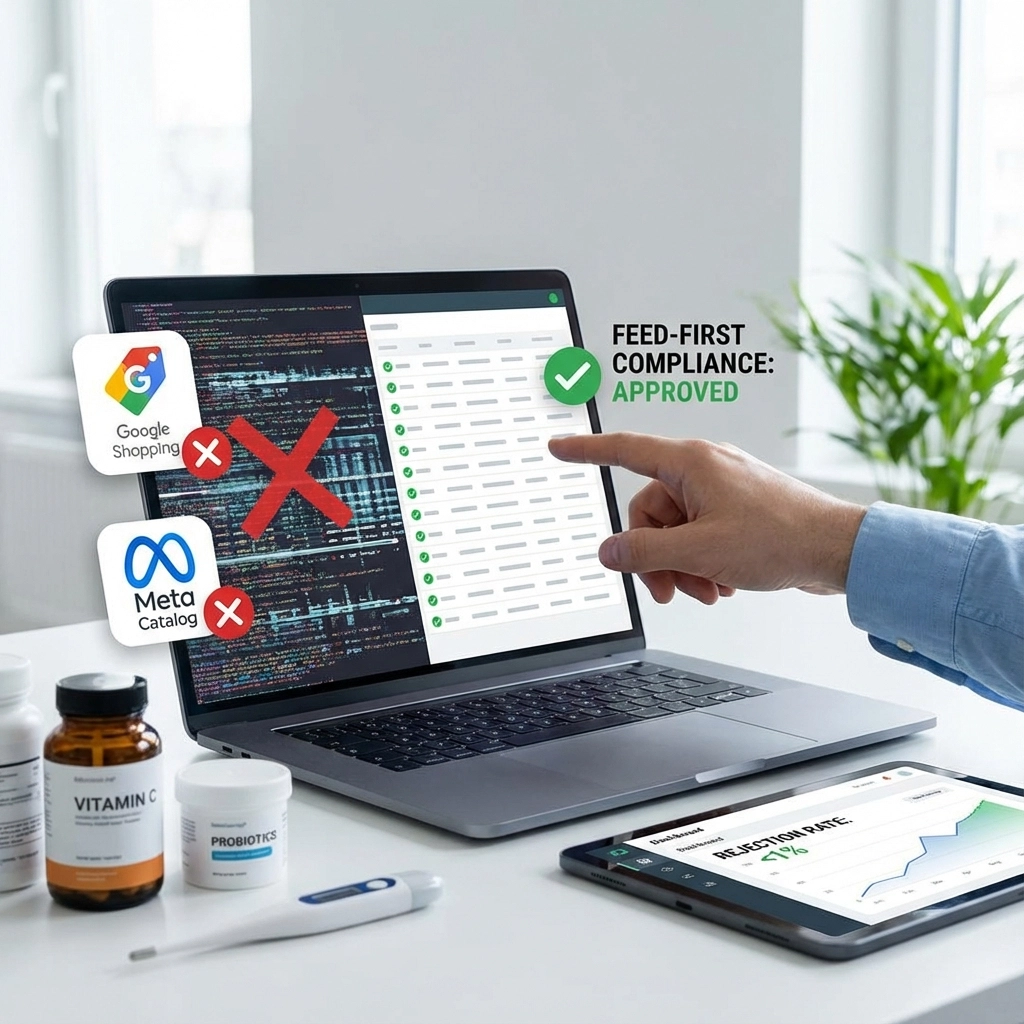
Ever wondered why your supplement or wellness product keeps getting rejected on Google Shopping and Meta catalogs, even when similar products from competitors seem to run without issues? You're not alone. Many health and wellness brands face this frustrating cycle of disapprovals, often spending weeks trying to figure out what went wrong.
The truth is, most rejections happen before your ads even go live: right in your product feed. Let's break down exactly what's happening and, more importantly, how to fix it.
What Exactly Is a Product Feed?
Think of your product feed as the digital catalog that platforms like Google and Meta use to understand what you're selling. It's essentially a structured file (usually CSV or XML) that contains all your product information: titles, descriptions, prices, images, and availability.
When you set up Google Shopping campaigns or Meta catalog ads, these platforms don't look at your website directly. Instead, they pull information from your feed to create and display your ads. This means if there's an issue with your feed, your ads can get rejected before they even have a chance to run.
Here's what makes health products tricky: both Google and Meta have strict policies around health claims, and they scan your feed data using automated systems that flag certain words and phrases instantly.

The Most Common Rejection Triggers We See
After working with dozens of health and wellness brands, we've noticed patterns in what commonly triggers rejections. Let's walk through the main culprits:
Hard Verbs That Trigger Automatic Flags
Both platforms are particularly sensitive to what we call "hard verbs": action words that suggest your product can treat, cure, or fix health conditions. These words often trigger automatic disapprovals:
Common problematic terms include:
- Cure, treat, heal, fix
- Eliminate, remove, destroy
- Stop, prevent, block
- Reverse, repair, restore
Personal Health Targeting Language
Another frequent trigger is language that directly addresses personal health conditions or targets specific symptoms. Phrases that start with "Are you suffering from…" or "Do you have…" can flag your products for review.
Mismatched Information
One issue that catches many brands off guard is inconsistency between your feed data and your actual website. If your feed says one thing but your landing page shows different information (especially around pricing or availability), both platforms can reject your products.
Hard Verbs vs Soft Verbs: Making the Switch
The good news? You can often communicate the same benefits using more compliant language. Here's how we typically help brands make these adjustments:
Instead of: "Eliminates joint pain fast"
Try: "Supports joint comfort and mobility"
Instead of: "Cures insomnia naturally"
Try: "Promotes restful sleep patterns"
Instead of: "Treats digestive issues"
Try: "Supports digestive wellness"
Instead of: "Prevents hair loss"
Try: "Supports healthy hair growth"
Notice how the softer versions focus on support and promotion rather than definitive medical outcomes? This approach can help reduce rejection rates while still communicating your product's intended benefits.

Step-by-Step Feed Sanitization Checklist
Ready to clean up your feed? Here's our practical checklist for both Google Merchant Center and Meta Commerce Manager:
For Google Merchant Center:
1. Review Your Product Titles
- Scan for hard verbs and replace with supportive language
- Keep titles under 150 characters
- Include your brand name and key descriptors
- Avoid ALL CAPS or excessive punctuation
2. Clean Up Descriptions
- Remove before/after claims
- Replace definitive statements with supportive ones
- Focus on ingredients and intended use rather than specific outcomes
- Keep descriptions under 5,000 characters
3. Check Product Categories
- Use Google's official product categories
- Avoid overly specific health subcategories that might trigger additional scrutiny
- When in doubt, choose broader wellness categories
4. Verify Required Fields
- Ensure all mandatory fields are populated (ID, title, description, price, availability, condition, link, image_link)
- Add GTINs where available to improve feed quality
- Include brand and MPN (manufacturer part number) information
For Meta Commerce Manager:
1. Adapt Your Titles
- Meta often has similar sensitivities to Google, so apply the same hard verb → soft verb principle
- Keep titles descriptive but compliant
- Test variations to see what gets approved
2. Description Optimization
- Focus on lifestyle benefits rather than medical claims
- Use third-person language instead of direct "you" statements
- Highlight key ingredients and their traditional uses
3. Image Compliance
- Ensure product images don't show before/after comparisons
- Avoid close-up images of health conditions
- Use lifestyle imagery that focuses on overall wellness

Landing Page Consistency: The Often Overlooked Factor
Here's something that trips up many brands: your product feed might be perfectly compliant, but if your landing pages contain problematic claims, you can still face rejections.
Both Google and Meta check for consistency between your feed data and the pages users land on. If your feed uses compliant language but your product page makes strong medical claims, this mismatch can trigger disapprovals.
Key areas to review on your landing pages:
- Product titles and descriptions should align with your feed language
- Remove or soften any before/after testimonials
- Replace guarantee language with satisfaction or quality assurance statements
- Ensure pricing and availability match exactly
Consider creating dedicated landing pages for your shopping campaigns: pages that maintain compliance while still effectively communicating your product benefits.
Setting Up Your Monitoring Process
Once you've cleaned up your feed, monitoring becomes crucial. Here's how we recommend staying on top of potential issues:
Google Merchant Center Monitoring:
Weekly Check-ins:
- Review the "Needs Attention" section for any new warnings
- Check product status for individual items
- Monitor disapproval reasons and look for patterns
Monthly Deep Dives:
- Analyze performance data to identify which products are struggling
- Review any policy warning emails from Google
- Update feed data based on seasonal changes or new products
Meta Commerce Manager Monitoring:
Regular Reviews:
- Check catalog status and any item-level rejections
- Monitor the "Issues" tab for policy violations
- Track which products are being limited or disapproved
Response Strategy:
- When items get rejected, document the specific reason given
- Make targeted adjustments rather than wholesale changes
- Test changes on a small subset of products first

What to Expect (And What Not to Expect)
Let's be realistic about outcomes. Cleaning up your product feed can help reduce rejection rates, but it doesn't guarantee universal approval. Both platforms continuously update their policies, and what works today might need adjustments tomorrow.
What you can expect from following these practices:
- Fewer automatic rejections based on obvious policy violations
- More consistent approval rates across similar products
- Better feed quality scores, which can improve ad performance
- Reduced time spent troubleshooting disapprovals
What you shouldn't expect:
- 100% approval rates (no one gets that in health products)
- Immediate resolution of all compliance issues
- Permanent solutions that never need updating
Beyond Feed Compliance: Building a Sustainable Approach
Feed compliance is just the foundation. The most successful health and wellness brands we work with treat this as part of a broader compliance strategy that includes:
- Regular policy review and updates
- Team training on compliant copywriting
- Clear processes for new product launches
- Backup channels in case of temporary account issues
Remember, both Google and Meta want to show relevant ads to interested users while maintaining consumer trust. When we align our approach with these goals, we typically see better long-term results.

Your Next Steps
Now that you understand the fundamentals of feed-first compliance, here's what we recommend:
- Audit your current feed using the checklist above
- Make targeted improvements to your highest-volume products first
- Test changes gradually rather than updating everything at once
- Set up monitoring systems to catch issues early
- Document what works so you can replicate success across your catalog
The key is starting somewhere and improving consistently over time. Even small improvements in compliance can lead to noticeably better approval rates.
What's been your biggest challenge with product feed approvals? Are you seeing specific rejection reasons that keep coming up? We'd love to hear about your experiences and help other health brands learn from what you've discovered.


